Approval Workflow
Are you ensuring accuracy and quality
in your procedures?
-
Operator Error from
Inaccurate Manuals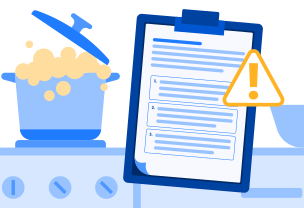
Unclear or error-filled instructions prevent workers from performing tasks correctly, potentially resulting in critical mistakes and company complaints.
-
Lack of Manual
Verification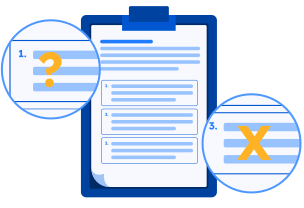
Without proper documentation of revision history and approval processes, it becomes impossible to trace when and how manual defects occurred.
Teachme Biz’s approval workflow
provides a one-stop solution.
-
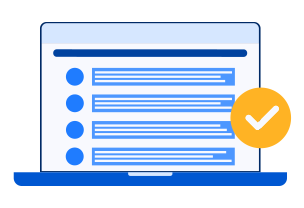
Content Approval
Complete the entire process from application to approval directly within the app, ensuring all manual content and instructions are appropriate and valid.
-
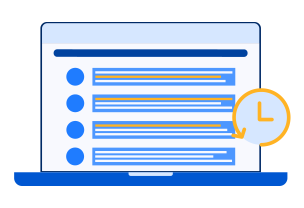
Revision History Record
Record all revision details and history, enhancing manual reliability and enabling effective problem tracking.
-
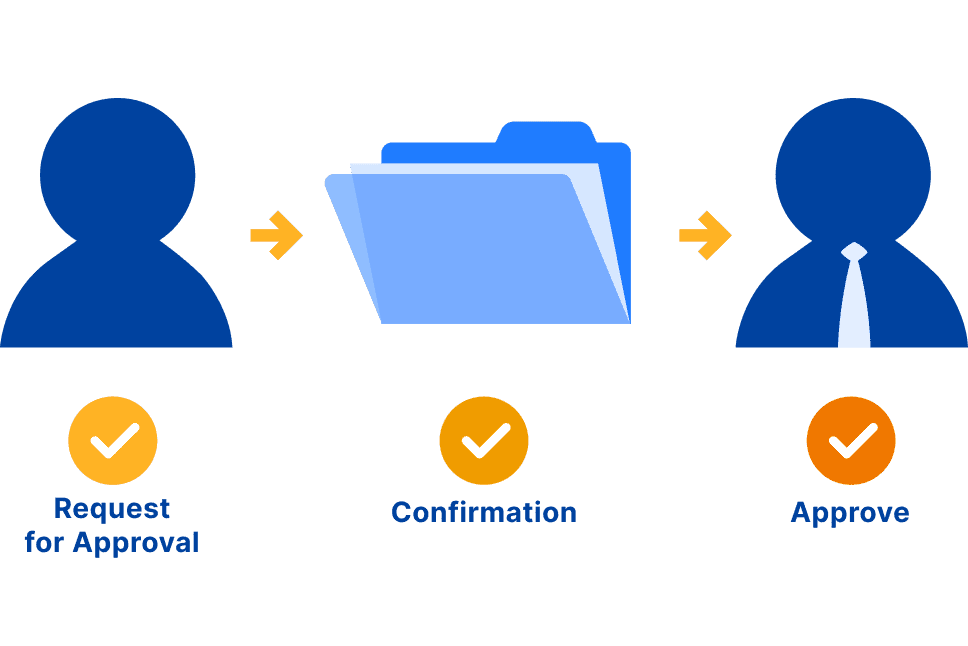 Benefit 1
Minimize Operational Risk
The application-approval workflow for manual creation and updates significantly reduces errors and eliminates the risk of work based on incorrect instructions.
-
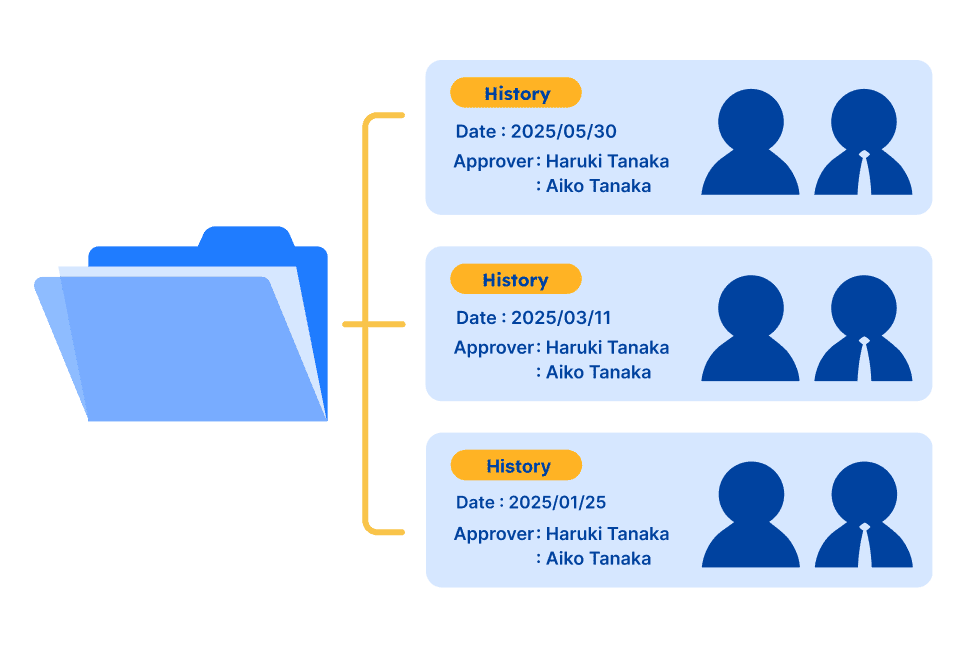 Benefit 2
Enhanced Manual Reliability
By documenting revision history, approval dates, and approvers, we guarantee manual accuracy and reliability. Third-party reviews eliminate confusing language, enabling clearer communication of procedures.
a Basic Plan or higher subscription is required.
Function details
Application Process
-

Create or edit a manual and submit for approval using the "Approval Request" button on the editing screen
-
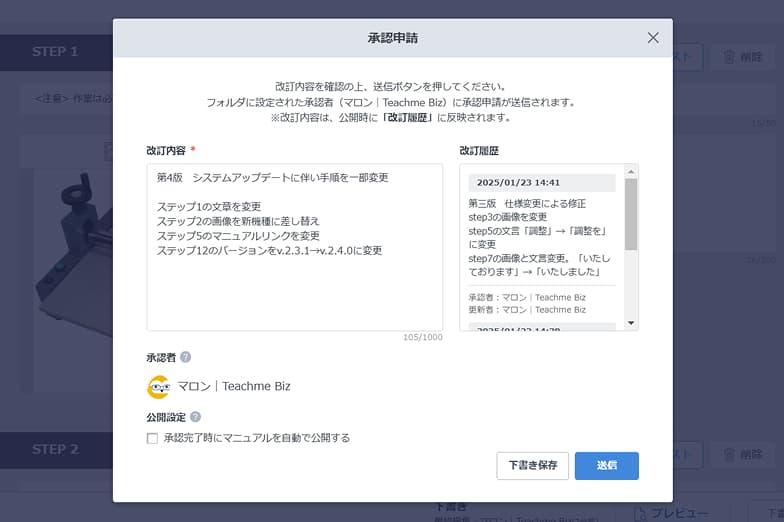
Enter detailed revision information when submitting to the approver
Approval Process
-
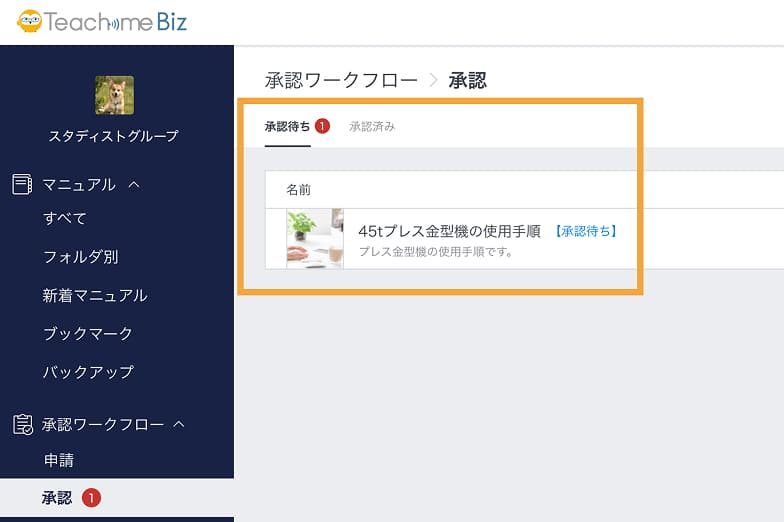
Approvers review manuals in the "Waiting for Approval" tab within the Approval Workflow section
-
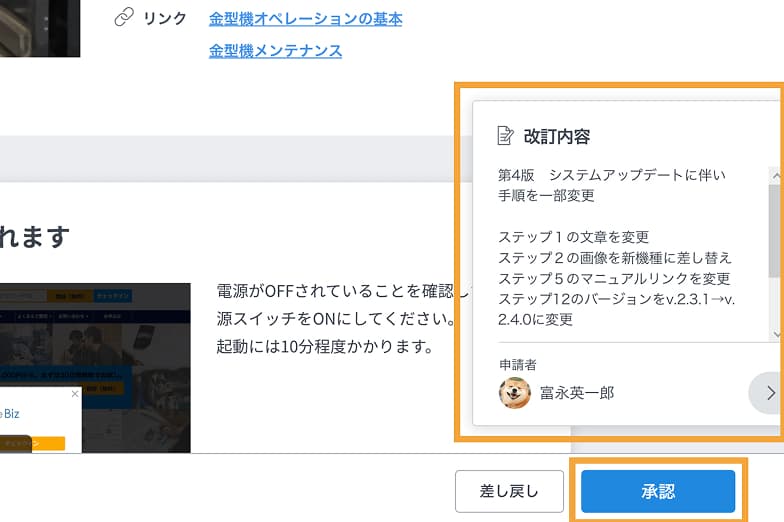
Approvers check revision details and either approve or return with correction requests
Publication Process
-
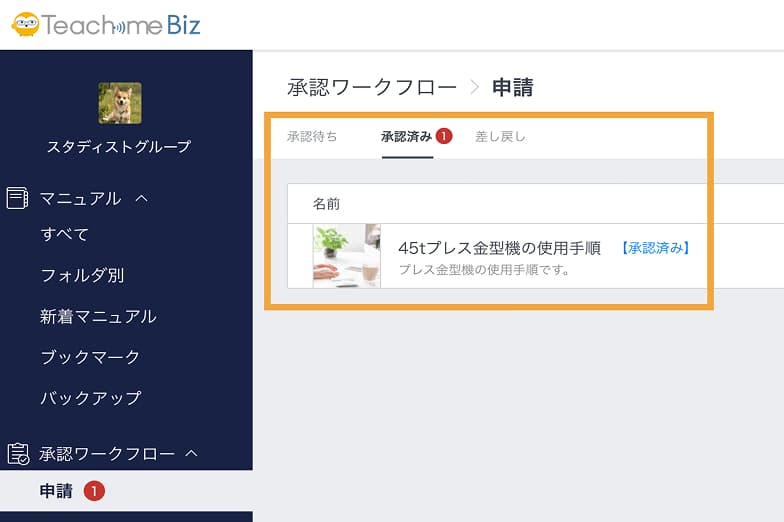
Once approved, manuals appear in the "Approved" tab for the applicant to publish
-
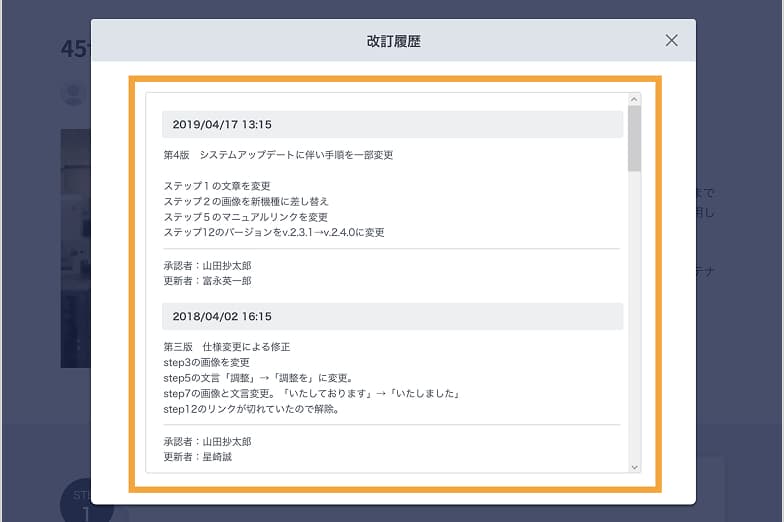
All viewers can access the complete revision history of approved manuals